Calendar with on-device schedule autocompletion.
Free. No account needed. Also on Windows and Linux
Create a rough plan for your week - let the app fill in the details. Get a prediction of how your week will play out so that you can make informed decisions about your schedule.
Planning your week shouldn't feel like solving a puzzle. Here's what makes scheduling harder than it should be.
Creating a realistic schedule is hard
Planning isn't just about writing tasks into a calendar. It means balancing priorities, deadlines and available time to create a schedule you can actually follow.
Schedules quickly become outdated
Unexpected meetings, changing priorities and unfinished work constantly reshape your week. Keeping schedule accurate becomes as much work as creating it.
Time estimates are rarely accurate
Good schedules depend on knowing how long work really takes. Underestimating or overestimating makes even carefully planned schedules drift over time.
Traditional calendars leave all the scheduling work to you.
Nodify Calendar finds the balance between manual and automatic scheduling.
Make a rough plan, then let the scheduler handle the details.
Start with a plan that works for you
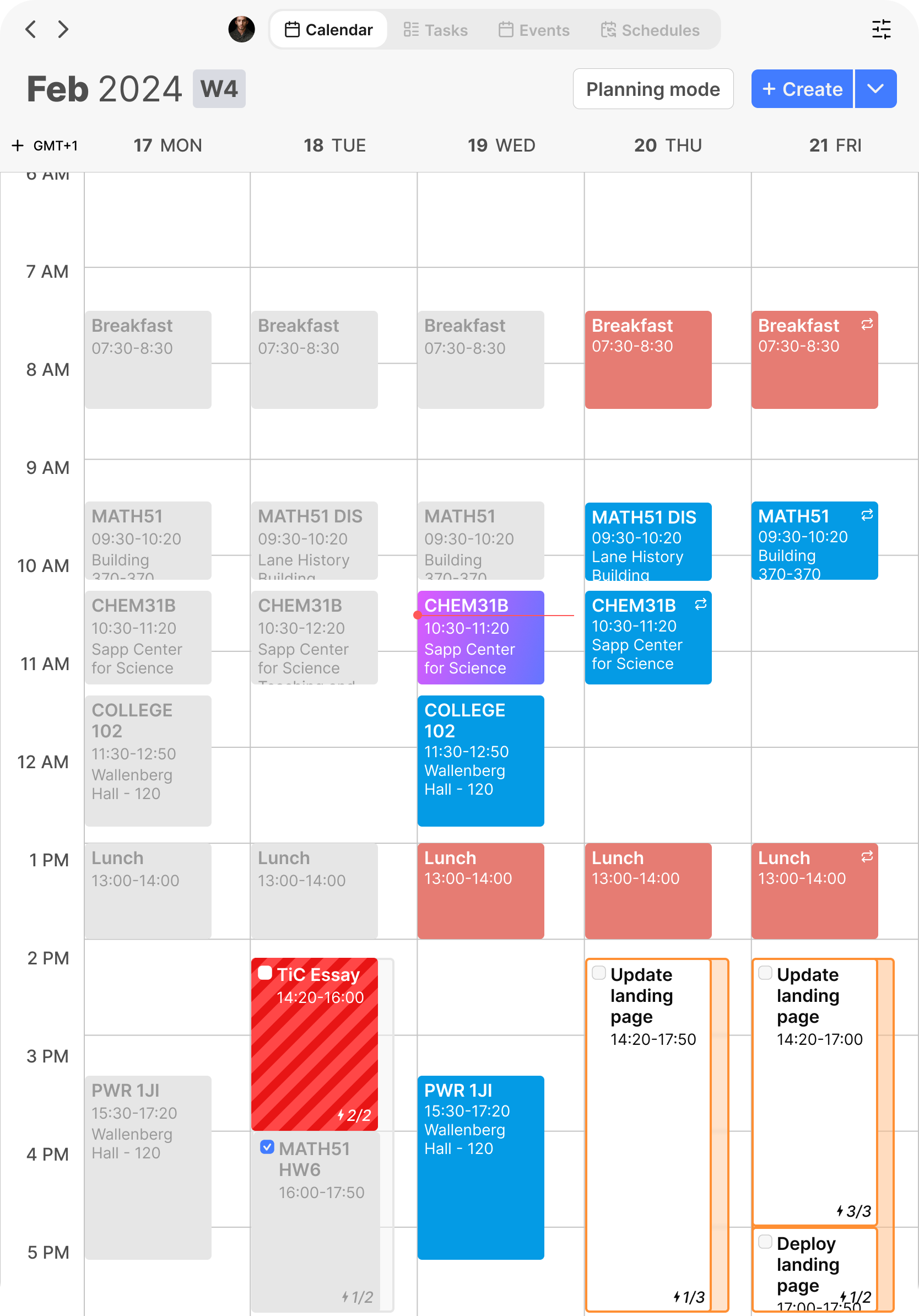
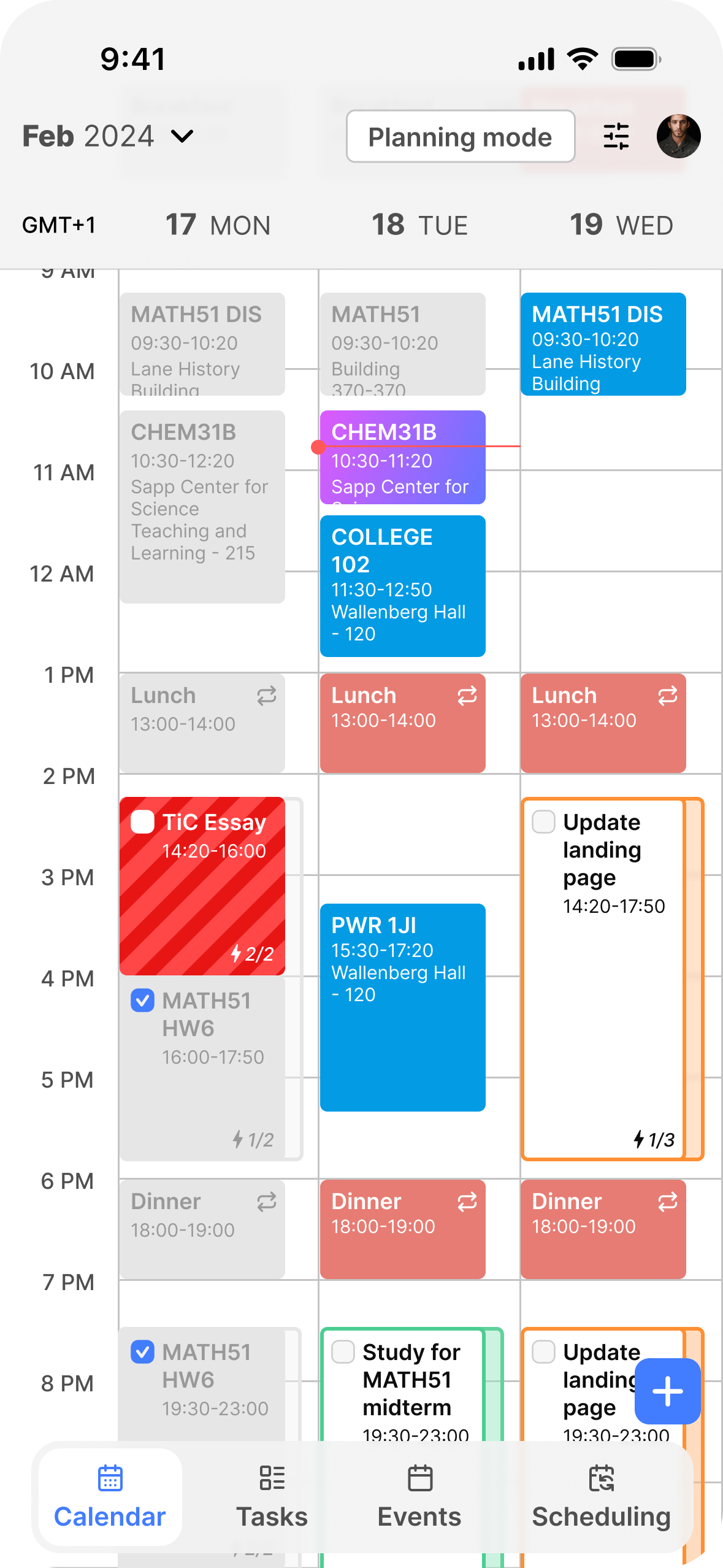
Create a rough weekly plan without worrying about scheduling every task manually. Start by defining the structure of your week and let the scheduler handle the details.
Create a rough weekly plan without worrying about scheduling every task manually. Start by defining the structure of your week and let the scheduler handle the details.
With a single click, the scheduler automatically places each task where it fits best while respecting priorities, deadlines, task durations, and every constraint you've defined.
The scheduler works for you — not instead of you. It never changes your plan on its own and always respects your manual decisions. You decide when to run it and what should remain exactly as it is.
When a week doesn't go to plan, tick off what quietly got done and delete what didn't, then run the scheduler again. Only the deleted hours come back, placed in the next available time — your work hours, meetings and manual decisions stay exactly as they are.
More than automatic scheduling
Task hierarchy
Organize tasks the way that makes sense to your workflow using infinitely-nested folders and lists.
Hierarchical task properties
Change a property once, and every task below it updates automatically. Organize large projects without repetitive editing.
Conflict detection
See what's wrong with your schedule and get recommendations on how to fix it.
Support for data contracts
SoonTwo-way sync with any external application using the Treaty protocol.
Smart time estimation
SoonLearn from your previous work to estimate task durations more accurately and build more realistic schedules over time.
Visual schedule editing
SoonAdjust your schedule by drawing time blocks directly on your calendar. Planning should feel visual, simple, and intuitive.
Mobile app
SoonAccess the app on your phone and tablet, synced with your desktop through Nodify Cloud.


Build a better schedule.
Start for free.
Free. No account needed. Release notes
macOS
Windows
Linux
Sync across your devices with Nodify Cloud
The app stays free. Nodify Cloud is for when you want your calendar on more than one device.
- Cloud Vaults
- Sync across up to 3 devices
- Schedule autocompletion in the cloud
Same features, two ways to pay.
FAQ
Yes. The app and your local vaults are free, with no account needed. You only pay for Nodify Cloud, which syncs Cloud Vaults across your devices.
Cloud Vaults that stay in sync across up to 3 devices, and schedule autocompletion that runs in the cloud. Monthly and Lifetime give you the same features.
Sync pauses, but your Cloud Vaults stay on your devices and you can keep working in them. Changes wait until you renew. The cloud copy is kept for 90 days, and you can detach a vault to keep it as a local one.
A Lifetime License can be refunded within 14 days of purchase. Monthly payments generally aren't refundable, which is what the 14-day free trial is for.